A complete flow
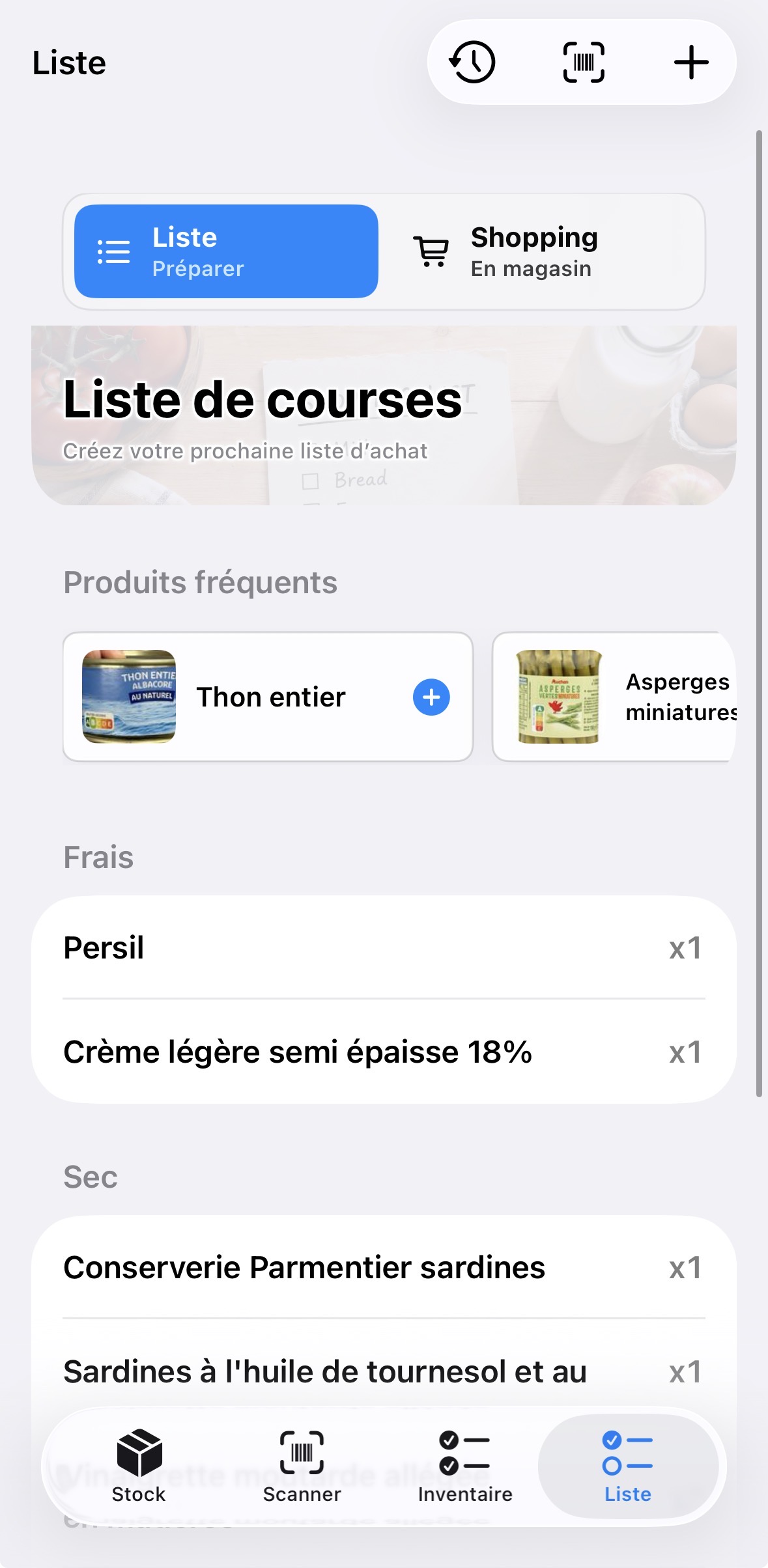
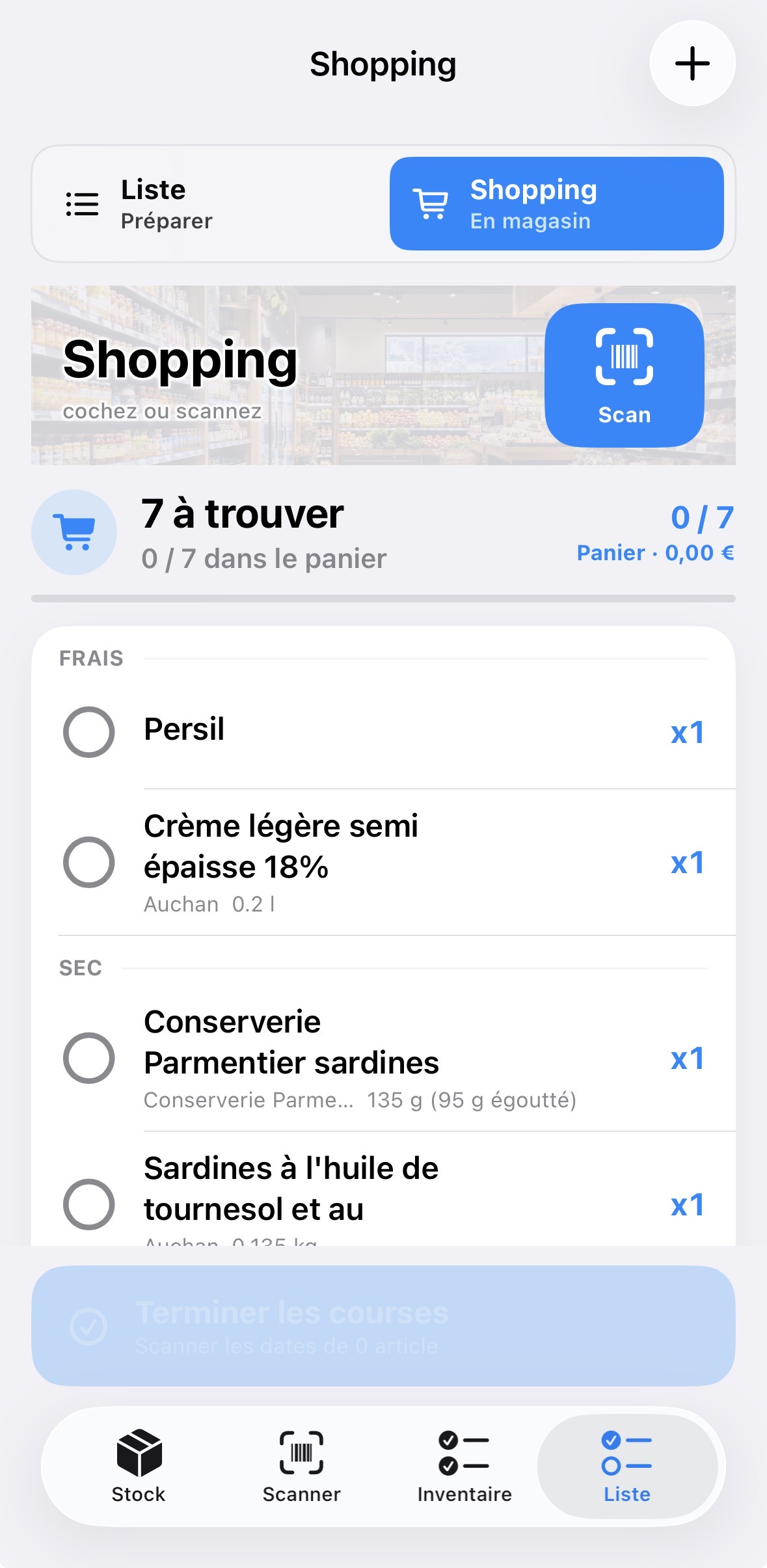
The app connects food inventory, grocery lists, in-store shopping and putting items away, instead of treating each moment separately.
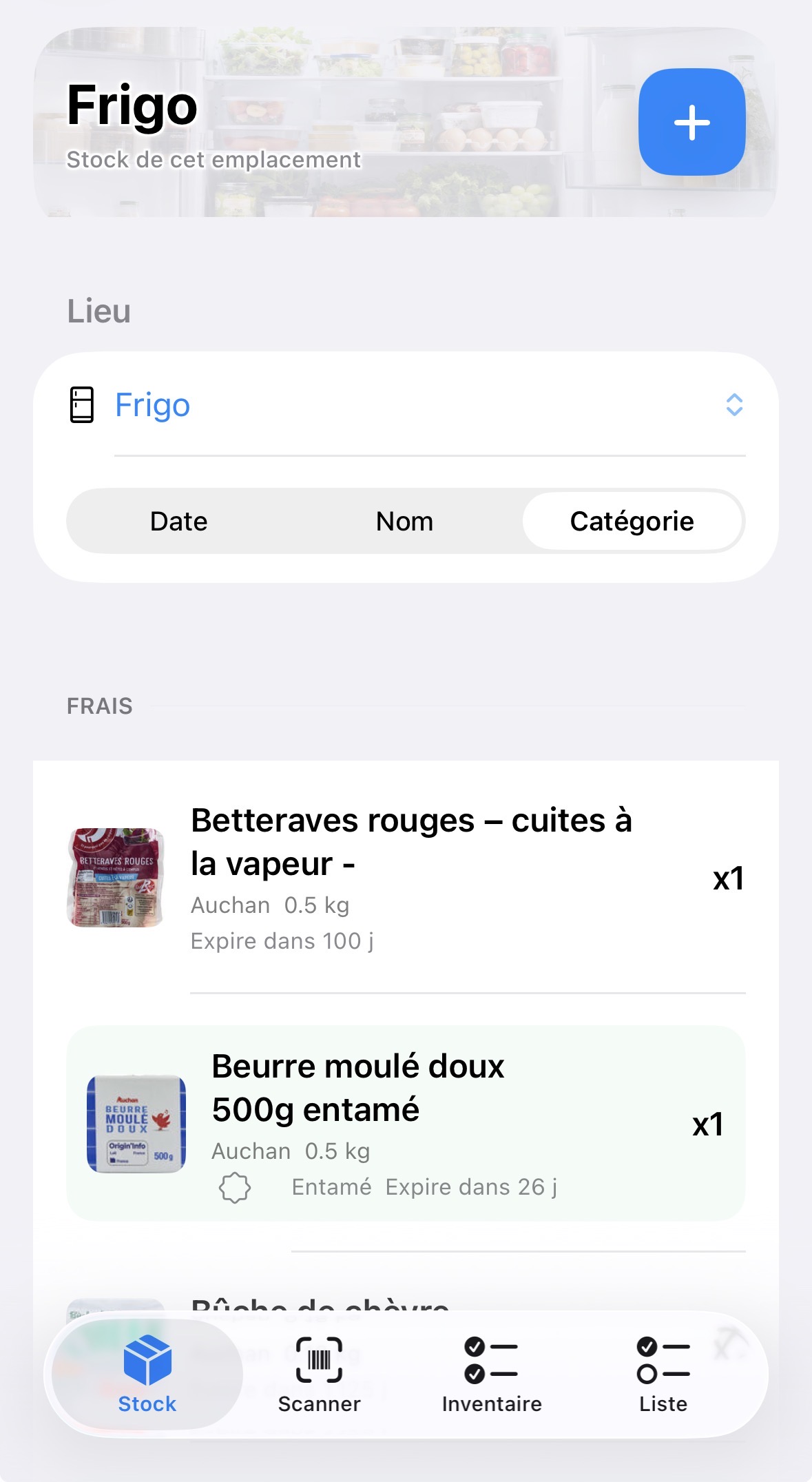
Stockly Reserve helps families know what they already have, what they need to buy, what they picked up in store, and what goes back into the right storage place.
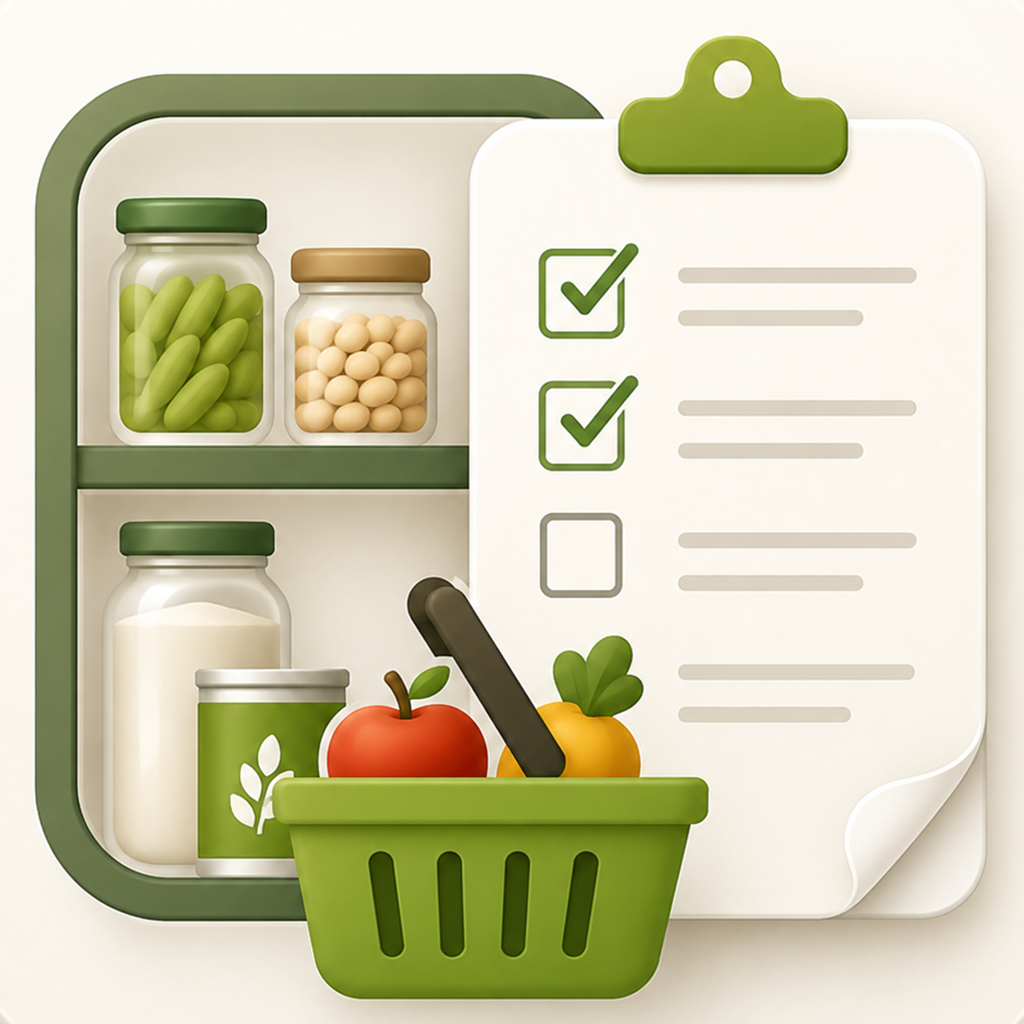
The app connects food inventory, grocery lists, in-store shopping and putting items away, instead of treating each moment separately.
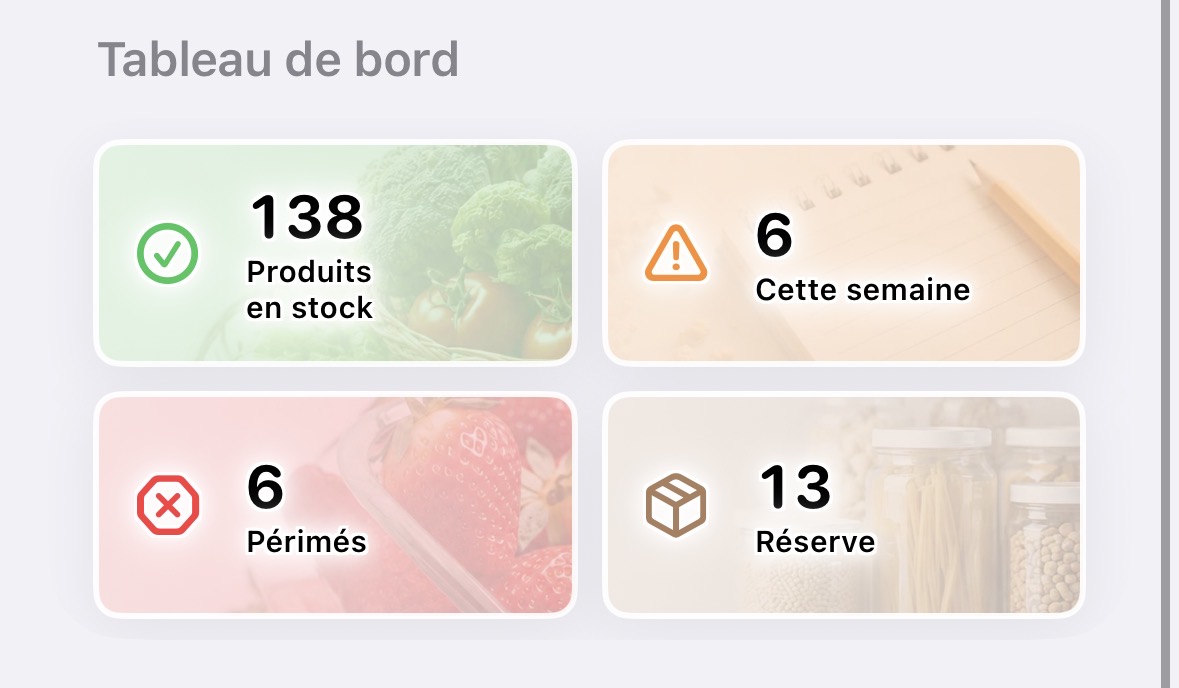
Expiry dates, quantities, opened products and alerts help families use what is already at home before buying again.
Built-in information pages and contextual help explain key screens: list, shopping, inventory and settings.
Stockly Reserve was designed for a very concrete moment: opening the fridge, planning groceries, shopping, then putting everything away without losing track.